When should an SMB consider working with an MSP?
There are a few clear signals. The first is when technology problems are eating time that should be spent running the business. If your team is troubleshooting their own IT issues, waiting hours for problems to be resolved, or the owner is the default IT person, that’s the inflection point. The second is when you’ve had a security scare: a phishing email that almost worked, a ransomware notice from a vendor, or an employee clicking something they shouldn’t have. The third is when you’re growing and the patchwork of systems and fixes that worked at 15 people doesn’t work at 40. Tech River works with businesses from around 10 employees up to several hundred. The earlier you establish a solid IT foundation, the less disruptive and more expensive it is compared to fixing things under pressure later.
How do MSPs help SMBs maintain consistent IT operations?
Consistency in IT comes from standardization and proactive management, two things that are hard to maintain when IT is handled reactively or by someone who has other responsibilities. An MSP establishes standard configurations across devices, enforces consistent security policies, and monitors systems continuously so issues get caught before they cascade. For growing businesses, this means new employees get set up the same way every time, security controls apply uniformly across the team, and the environment doesn’t become more fragmented and unpredictable as headcount increases. Tech River uses automated monitoring, documented processes, and dedicated engineer relationships to keep SMB environments running predictably without requiring the business to think about it.

What IT problems do SMBs commonly experience?
The most common issues we see when taking on new SMB clients fall into a few recurring patterns. First, security gaps: missing multi-factor authentication, unpatched software, weak password practices, and no monitoring. Many small businesses assume they’re too small to be targeted, but attackers don’t discriminate by company size. Second, inconsistent systems: a mix of old and new hardware, no standard configurations, and software that varies from one employee to the next. Third, no backup strategy: data stored locally on individual computers with no tested recovery plan. Fourth, reactive-only IT: no one watches the environment proactively, so problems only get discovered when something breaks. Tech River addresses all four systematically when we onboard a new client, and most businesses are surprised by how much of this applies to their environment.
Is a dedicated IT engineer helpful for SMBs?
It’s one of the most important differences between Tech River and a typical helpdesk-based IT provider. When you call a provider that routes tickets through a pool of technicians, you spend time re-explaining your environment every single time. The technician doesn’t know your systems, your quirks, or your business priorities. Tech River assigns a dedicated engineer to each client who builds real familiarity with your environment over time. They know your setup, your team, and your history. That familiarity translates to faster resolution, better advice, and a relationship where your IT partner is genuinely invested in your outcomes rather than just closing tickets.
Is internal IT enough for many SMBs?
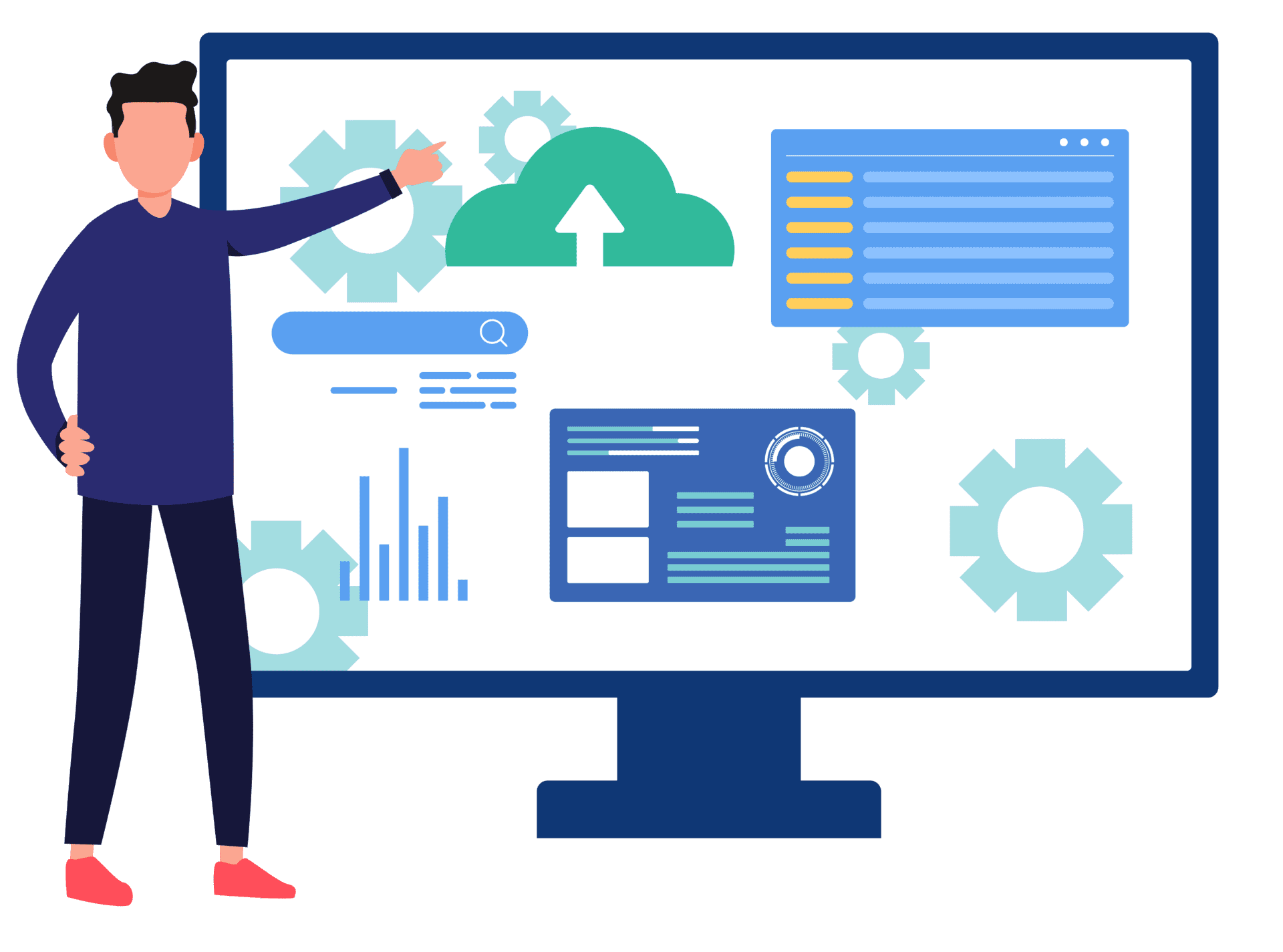
For most SMBs, a single internal IT person or IT-capable employee faces an impossible scope: day-to-day helpdesk requests, security management, infrastructure planning, vendor relationships, and strategic guidance all at once. The depth required to do all of that well at an enterprise level doesn’t fit into one role, and when that person is overwhelmed or leaves, the business is exposed. Tech River works alongside internal IT staff and operations managers in a co-managed model, filling the gaps in expertise and coverage without replacing the internal person. We also work with businesses that have no internal IT at all and serve as their complete IT department. The right model depends on your team structure and where the gaps actually are.
How does poor IT planning impact SMBs?
The most direct impact is cost. Reactive IT, where problems get fixed after they happen, is consistently more expensive than proactive IT management. Emergency repairs, data recovery, ransomware response, and unplanned hardware replacements all carry premium price tags compared to the same work done proactively. Beyond cost, poor IT planning creates operational risk: outdated systems that can’t support new software, security gaps that accumulate unnoticed, and infrastructure that can’t handle business growth without a painful rebuild. It also affects people: employees who deal with slow, unreliable technology are less productive and more frustrated, and the business leaders responsible for IT become distracted from the work that actually moves the company forward. Tech River’s approach is built around preventing these outcomes through planning and proactive management, not patching them after the damage is done.
How do MSPs reduce unexpected IT costs for SMBs?
The primary mechanism is shifting from reactive to proactive management. Most unexpected IT costs come from emergencies: a server that fails without warning, a ransomware attack, a critical system that goes down and needs emergency recovery. Proactive monitoring, regular maintenance, and tested backup procedures dramatically reduce the frequency and severity of those events. The second mechanism is fixed-cost pricing. Tech River charges a predictable monthly fee based on your users and devices, not on how many hours we spend or how many problems occur. That means your IT budget doesn’t fluctuate month to month, and our incentives are aligned with yours: we’re motivated to keep things running well because our revenue doesn’t increase when they don’t.
What signs indicate it’s time to switch MSPs?
The clearest sign is that the same problems keep coming back. A good MSP doesn’t just fix issues; they identify root causes and eliminate them. If you’re calling about the same types of problems repeatedly, your provider isn’t getting ahead of the environment. Other common signals: you don’t hear from your MSP unless something breaks, you get unexpected bills or vague invoices, you don’t know who to call when something urgent happens, or your MSP can’t explain what they’re actually doing for you each month in plain language. Security-related signs are the most serious: if your provider hasn’t talked to you about multi-factor authentication, cybersecurity training, or your backup and recovery plan, that’s a significant gap. Tech River hears these frustrations regularly from businesses that have outgrown their current provider or were never well-served to begin with.
Why do SMBs choose Tech River?
The consistent feedback we hear from clients who switched to Tech River comes down to three things: they finally feel like someone is actually watching out for them, communication is clear and consistent instead of confusing or absent, and IT stopped being a distraction from running the business. Specifically, SMBs choose Tech River because we assign a dedicated engineer who builds real familiarity with their environment, we use fixed-cost pricing that makes IT budgeting predictable, we’re local to the Twin Cities with the ability to show up onsite when needed, and we treat every client as a long-term partner rather than a ticket to close. We’ve been doing this since 2008, and a significant number of our clients have been with us for many years, which is the most honest signal we can offer about whether the relationship actually works.
What is the difference between break-fix IT and managed IT services?
Break-fix IT means you call someone when something breaks, they fix it, and they bill you by the hour. There’s no ongoing relationship, no monitoring, and no incentive for the provider to prevent problems, because problems are how they get paid. Managed IT services replace that model with a proactive, ongoing relationship. Your MSP monitors your environment continuously, performs preventive maintenance, manages security, and provides strategic guidance for a fixed monthly fee. The financial incentive flips: a managed IT provider is motivated to keep things running well because their pricing doesn’t go up when problems occur. For most SMBs, the total cost of managed IT is lower than equivalent break-fix spending once you factor in the value of prevented problems, and the experience for your team is dramatically better.
What does onboarding with a new MSP actually look like?
For most businesses, switching IT providers feels risky because the existing environment is undocumented and the transition seems complicated. Tech River manages onboarding in a structured way that minimizes disruption. We start with a thorough assessment of your current environment: hardware, software, network, security configuration, and backup status. From there we document everything, identify gaps, and build a prioritized remediation plan. We handle the transition from your previous provider, including recovering documentation they should have maintained. Most clients are fully onboarded and actively managed within the first 30 to 60 days, and the transition is typically far smoother than they expected. We’ve done this enough times that we have a clear process for every scenario.
How quickly does Tech River respond when something goes wrong?
Response time is one of the most important things to evaluate when choosing an MSP, and also one of the easiest to obscure with vague language. Tech River has defined response time commitments based on issue severity. Critical issues that affect your ability to operate get immediate attention. Urgent issues affecting individual users are typically addressed within an hour during business hours. Routine requests are handled same-day. Our U.S.-based team monitors environments around the clock, so after-hours security alerts and critical failures don’t wait until morning. We’re happy to walk through our specific response time commitments during an initial conversation so you can compare them directly against what your current provider offers.
Does Tech River offer cybersecurity for small businesses?
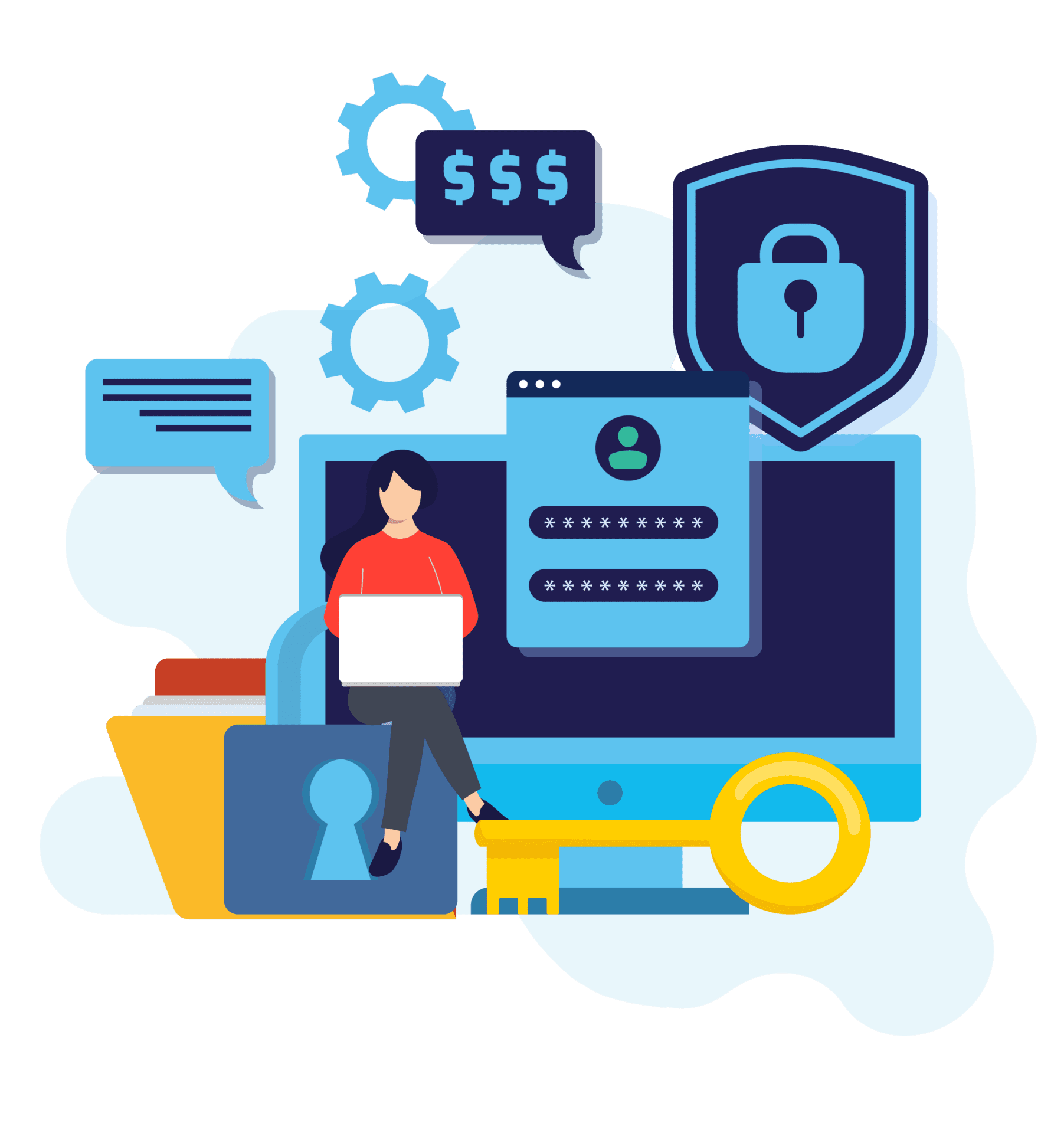
Yes, and cybersecurity is included in how we approach every client’s environment, not an optional add-on. Small businesses are targeted by cyberattacks at high rates precisely because attackers know smaller organizations often have weaker security controls than large enterprises. Tech River provides layered cybersecurity for SMB clients that includes 24/7 threat monitoring through a U.S.-based security operations center, endpoint protection on all managed devices, multi-factor authentication, email filtering, and employee cybersecurity awareness training. We also make sure backup and disaster recovery is in place so that if something does get through, your data is protected and business continuity is maintained. We explain what we’re doing and why in plain language so business owners understand the protection they have without needing a security background.
Can Tech River help us move to the cloud or upgrade old infrastructure?
Yes. Infrastructure transitions, whether that’s moving from an on-premise server to cloud-based storage, migrating to Microsoft 365, replacing aging hardware, or redesigning a network, are a regular part of what we do for SMB clients. We handle the planning, execution, and ongoing management so the transition doesn’t fall on your internal team to figure out. For businesses running older systems that are starting to cause reliability or security problems, we help prioritize what needs to change first based on risk and business impact, rather than proposing a wholesale replacement all at once. Our goal is to modernize your environment in a way that’s manageable, budgeted, and doesn’t disrupt operations in the process.
How does Tech River handle new employee setup and offboarding?
New hire IT onboarding and offboarding are two areas where inconsistency creates both operational and security problems. Tech River uses automated provisioning processes to set up new employees with the right devices, accounts, software, and access from day one. We configure devices to your standard before the employee starts so they’re productive immediately rather than waiting for IT to catch up. On the offboarding side, we ensure that departing employees’ accounts are disabled, access is revoked across all systems, and devices are properly wiped and recovered. Account access left active after an employee leaves is one of the most common and preventable security vulnerabilities we see with new clients. Having a consistent, documented process for both directions eliminates that risk.
How much does managed IT cost for a small or mid-sized business?
Tech River uses fixed-cost pricing based on the number of users and devices in your environment. That means your monthly investment is predictable and doesn’t fluctuate based on how many support requests your team submits. For a small business with 15 to 30 employees, the monthly cost is typically comparable to or less than what companies in that size range spend on reactive break-fix IT when you account for emergency repair costs, lost productivity during outages, and the hidden cost of IT problems that never fully get resolved. The best way to get an accurate number is a brief conversation about your current setup. We’re transparent about pricing and happy to walk through what’s included before you make any decisions.
Explore Related IT Answers
Each page addresses common questions decision-makers ask when evaluating MSPs.




Ready to Take the Next Step?
SCHEDULE A VIDEO CALL TODAY!
A quick 30 minutes with our team to discuss your current IT situation and how we might be of service. This is not a sales call, in fact we don’t really do sales. After the call you’ll feel like you got some free advice from a friend.

COREY CALVIN
Founder and President of Tech River
Ready to Take the Next Step?
SCHEDULE A VIDEO CALL TODAY!